
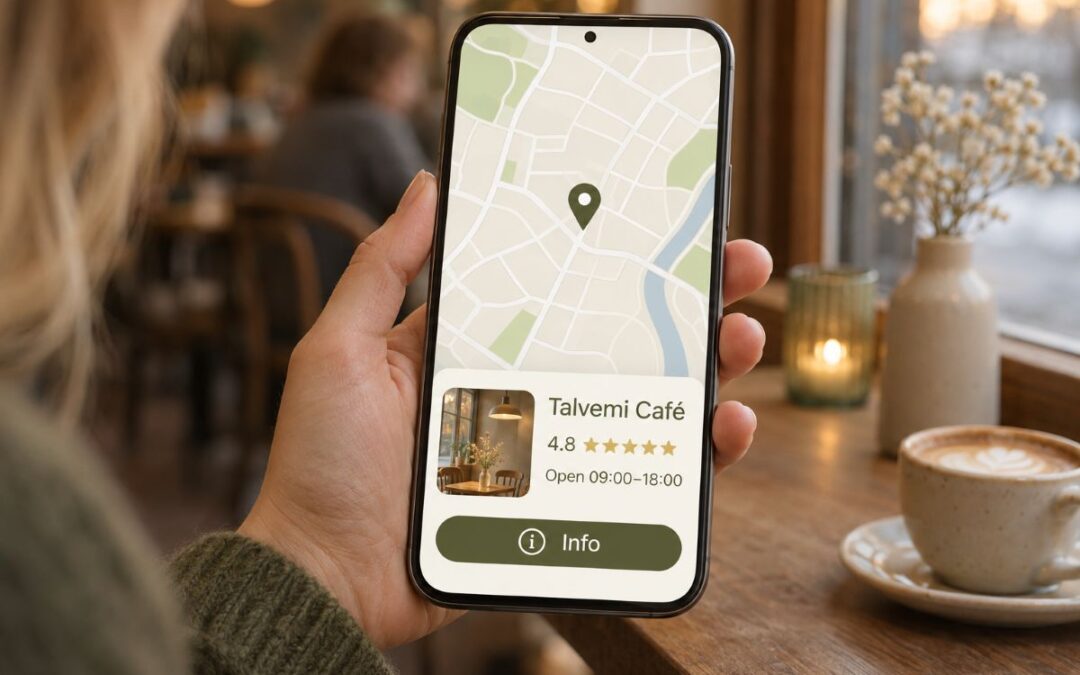
When someone searches Google for "hairdresser Vaasa" or "plumber near me", the first thing they usually see isn't a website. They see a map, and below it three businesses with star ratings, opening hours and call buttons. Those come from Google Business Profiles.
For a local business, a Business Profile is often more important than a website. It's free, and you can get it in shape in one evening. Even so, many profiles are half-finished, out of date or have no owner at all.
In this guide, I'll go through how to set up a profile, how to get it in shape, and how to keep it up to date without it becoming yet another source of stress.
First: do you already have a profile?
Many business owners are surprised to find that their business already has a profile. Google sometimes creates them on its own, or a customer has added the place to the map.
Search Google Maps for your business name. If a profile comes up and it says Own this business? or Claim this business, you don’t need to create a new one. Claim the existing one. Having two profiles for the same business is one of the most common reasons Google suspends a profile.
1. Set up your profile
- Go to business.google.com and sign in with a Google account. Use an account that will stay with the business for the long term, not, for example, an employee's personal account.
- Enter your business name exactly as it appears in the Trade Register or on your sign.
- Choose a primary category (more on that below).
- Say whether you have a location that customers visit, or whether you serve customers at their location.
- Add your phone number and website address.
- Verify your business.
Physical location or service area? This is an important choice.
- Physical location: customers come to you, for example a hair salon, café or shop. Your address is shown on the map.
- Service area: you go to the customer, for example cleaning, renovation or a taxi. Your address is hidden, and you list the areas you serve.
- Both: your business has a location, but you also visit customers.
If you work from home and don't see customers there, choose service area and hide your address. Don't list a virtual office or a shared workspace as your location unless you actually serve customers there. Google is strict about this.
2. Verify your business
Google wants to make sure that the business exists and that you're its owner. These days the most common method is video verification. You record one continuous video that shows:
- your business sign or another recognisable marker
- your premises or tools (for example a vehicle with your logo)
- something that proves you have control over the place, such as opening the till or locking the door
The video can't be edited. Film calmly, with your phone in landscape mode, and do a few practice runs first.
Some types of business are also offered a postcard, phone call or email. If you have options, choose the quickest one.
Tip: don't change your business name, address or category right after verification. Major changes can trigger a new verification.
3. Get your profile in shape
This is where it's decided whether your profile shows up in searches. Google ranks businesses based on three things: how well the business matches the search, how close it is to the person searching, and how well known and trusted it is. You can't do anything about distance, but you can influence the other two.
Business name Write your name exactly as it really is. Don't add search keywords to it, like "Hair Salon Helmi – Best Hair Salon in Vaasa". It might look tempting, but it's one of the most common reasons profiles get suspended.
Categories Choose one primary category that best describes what you do. It's the single most important setting in your profile. You can also choose a few additional categories. Only choose categories that are actually accurate.
Description Write 2–4 sentences: what you do, who for and where. Use the same words a customer would use to look for you. The description can be up to 750 characters, but shorter often works better.
Services and products Add each service as a separate item, ideally with a price and a short description. This helps Google match your profile to more specific searches, like "gel nails Vaasa".
Opening hours Add your regular opening hours and remember to set special hours for public holidays. Wrong opening hours are one of the fastest ways to get a bad review.
Attributes Mark things like accessibility, payment methods and parking. Customers can see them, and they help customers decide.
Photos Add at least:
- your logo (square 1:1)
- a cover photo (landscape)
- a few photos of your premises, inside and outside
- photos of your work or products
- a photo of you or your team
Use your own photos, not stock images. Customers want to see what the place really looks like.
Consistent contact details everywhere Check that your business name, address and phone number are exactly the same on your website, social media and in directories. Google compares them, and inconsistencies make your business look less trustworthy.
4. Reviews
Reviews are your profile's most important source of trust, both for customers and for Google.
Ask for reviews regularly. The best moment is right after a job well done. Your profile gives you a direct review link that you can send in a message, add to your email signature or print as a QR code for your counter.
Ask for specifics. "It would be great if you could say briefly what we did" gets you a more useful review than five stars on their own.
Don't pay for reviews. Offering discounts or gifts in exchange for reviews is against Google's rules. So are reviews you write yourself or create with AI.
Reply to every review. Ideally within a few days.
- For a good review: say thank you and mention something specific. "Thank you, Anna! It was a pleasure doing your new highlights."
- For a bad review: reply calmly, don't get defensive, and offer a way to continue the conversation elsewhere. Remember that many more people than the reviewer will read your reply.
- Don't copy the same reply to every review. People notice.
5. Maintenance: a little, but regularly
Your profile isn't a one-off project. But keeping it up doesn't take much either. What matters most is that it stays up to date and active.
Weekly (5–10 min)
- Reply to new reviews and questions.
- Check whether anyone has suggested changes to your profile. Anyone can suggest an edit, and Google sometimes accepts them without asking you.
Monthly (30 min)
- Publish 2–4 updates: news, an offer, an event or a tip. An update stays in a prominent spot for about a week.
- Add a few new photos.
- In the Performance section, see which search terms people use to find you and how many call or ask for directions.
Quarterly
- Check your services, prices and description.
- Update your public holiday opening hours well in advance.
- Add any new services or products you've introduced.
6. The most common mistakes
- Search keywords in the business name. Tempting, but risky.
- Two profiles for the same business. Merge them or remove one.
- The wrong primary category. Choose what you do most, not what you'd like to do.
- Out-of-date opening hours. A customer turns up to a locked door and writes a review about it.
- Unanswered reviews. Especially negative ones.
- A profile on an employee's account or your former marketing agency's account. Make sure ownership always stays with you. You can give other people manager access.
7. Who should manage your profile?
If someone helps you with your profile, never give them your Google account password. Add them to the profile as a manager instead: open your profile and select usiness Profile settings → People and access → Add. That way ownership stays with you, and you can remove their access at any time.
If it’s all too much right now
You can do all of this yourself. And if you have the time and interest, it's worth doing. But I know a lot of business owners will read this guide and think: great list, but when am I supposed to find the time?
That's where I can do it for you.
Profile setup or overhaul – €149 + VAT One-off fee, including:
- setting up a new profile or claiming an existing one
- instructions and support with verification (you film the video yourself, as it has to be done at your premises, but I'll tell you exactly what to film)
- choosing your primary and additional categories
- writing your description and services with search terms in mind
- checking your opening hours, attributes and contact details
- selecting and adding photos
- a review link and QR code
Profile maintenance – €39 + VAT / month
- 2 updates a month
- replies to reviews and questions
- checking suggested edits
- updating opening hours and other details
- a short monthly report: how many people found you and what they did
If I'm also building your website, profile setup is included in the package at half price.
All you need to do is add me to your profile as a manager. Ownership always stays with you.
Drop me a message and we’ll see what shape your profile is in. The first check-up is free.
Related: